

Many people notice their skin appears smoother in the mirror but more textured in photographs. In fact, if you've ever wondered why your skin looks different in photos, you are not alone. This difference doesn't mean your skin has changed. Instead, it reflects how cameras interpret light and surface detail. Because of this, pores and uneven tone may appear more visible in photos.
Why Skin Looks Different in Photos: Key Factors
Several scientific factors explain why your skin looks different in photos. For example:
1. Lighting Conditions
Lighting is one of the biggest reasons. Direct lighting can create shadows around pores and fine lines, while soft lighting diffuses them, making skin appear smoother.
2. Camera Lenses Distort Features
Phone cameras typically use wide-angle lenses, which can distort proportions and make pores appear larger. Consequently, this makes skin texture seem more prominent.
3. Image Processing in Smartphones
Modern smartphones automatically increase contrast and sharpness to make photos look more detailed. Unfortunately, this also makes skin texture appear stronger.
4. Oil Reflection on the Skin
Sebum, the natural oil produced by your skin, reflects light. When oil levels increase during the day, this reflection can create shiny areas that make texture more visible in photos.
Why Skin Looks Smoother in the Mirror
The mirror provides a dynamic, real-time view. Your eyes constantly adjust to lighting and focus. Furthermore, human vision naturally smooths small details and blends textures. Cameras, however, do not do this; they freeze a single moment. This difference in perception is why your skin looks different in photos compared to the mirror.
How to Help Your Skin Look Balanced in Photos
The goal is not to eliminate natural texture but to maintain healthy skin balance. A few simple skincare habits can help.
Cleanse Gently
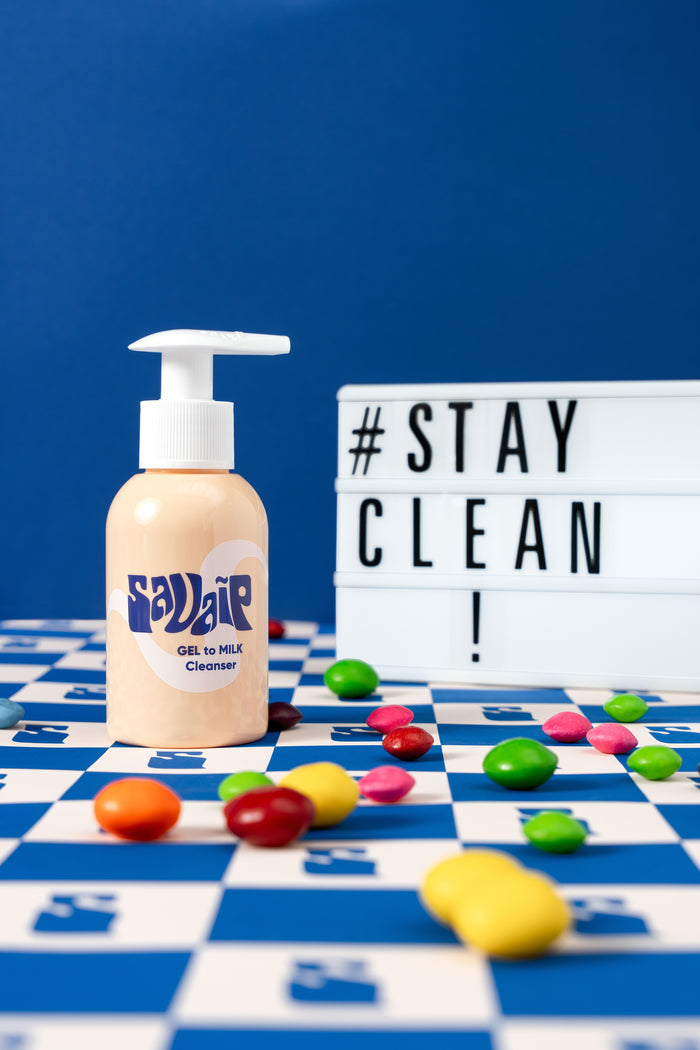
Removing oil and pollution helps maintain a smooth surface. A gentle cleanser like Gel-to-Milk Cleanser removes impurities while supporting the skin barrier.
Maintain Skin Hydration
Hydrated skin reflects light more evenly. Applying a hydrating toner like Plump-Glow Milky Toner can help replenish moisture after cleansing.
Support the Skin Barrier
A healthy barrier helps maintain hydration and reduce uneven texture. Barrier-supporting moisturizers like Water-Lock Gel Cream help maintain balanced skin.
Be Mindful of Lighting
When taking photos, remember these tips:
-
- Avoid direct overhead lighting.
- Choose soft, natural light.
- Stand facing a window to reduce harsh shadows.
Frequently Asked Questions
-
Why does my skin look worse in phone photos?
Phone cameras often increase contrast and sharpness, which can exaggerate pores and texture. -
Why does my skin look smooth in the mirror but textured in photos?
Human vision naturally blends details, while cameras capture them precisely. -
Do cameras make pores look bigger?
Yes. Lighting and lens distortion can make pores appear larger.
Final Thoughts
Ultimately, it's normal if your skin looks different in photos. The difference usually comes from how cameras capture light, texture, and contrast—not from sudden changes in your skin. In conclusion, by focusing on gentle cleansing, hydration, and barrier support, you can help your skin maintain a balanced appearance both in person and on camera.


